
AI presenter
Talking
Avatar
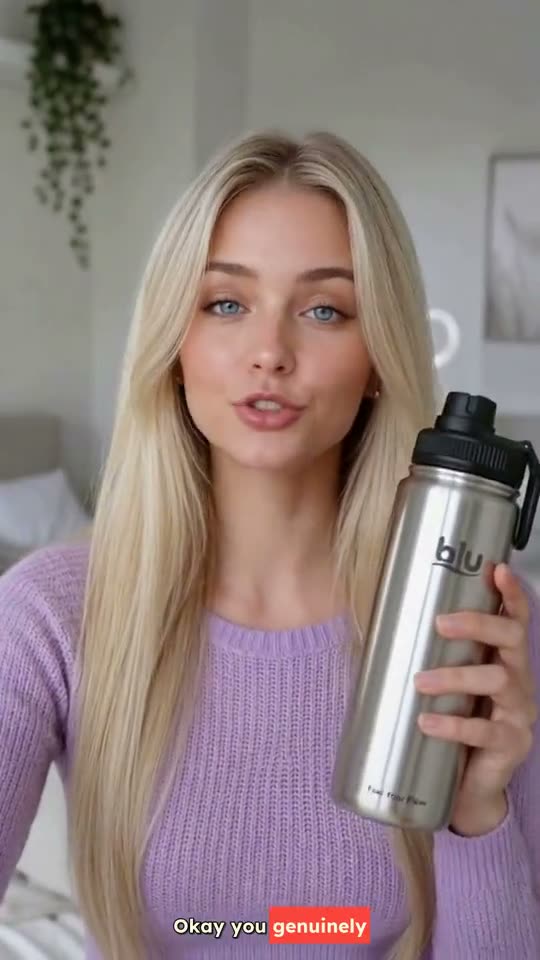
A real-looking AI presenter reads your script. Lip-synced, voiced and captioned. No camera required.
Included in every plan
Three steps. Zero takes.
No lights, no teleprompter, no second attempt because someone sneezed. You write it, the presenter delivers it.
- 01
Pick a presenter
Choose a face from the gallery, or upload a photo of yourself and become the presenter.
- 02
Paste your script
The avatar speaks it word for word. Keep it tight: about 13 characters for every second of video.
- 03
Choose length and format
5 to 30 seconds in 5-second steps, any aspect ratio. You get it back voiced, lip-synced and captioned.

Write to the clock.
Presenters speak about 13 characters a second. Type a script and see which length it fits, before you spend a credit.
- 15s ≈ 195 characters
- 30s ≈ 390 characters
0 characters0s spoken, fits a 15s video
Longer than 30 seconds. Trim it so the presenter isn’t rushed.
Made with Talking Avatar.
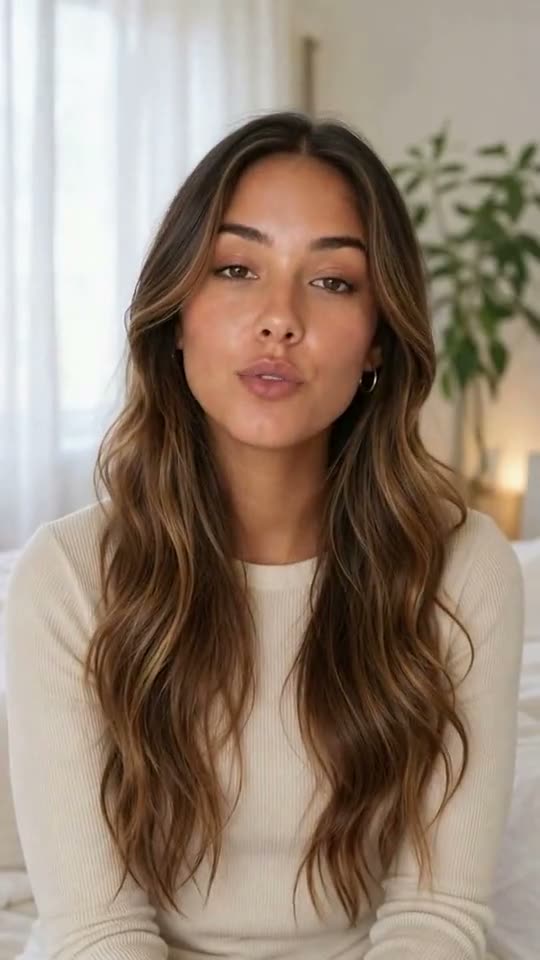
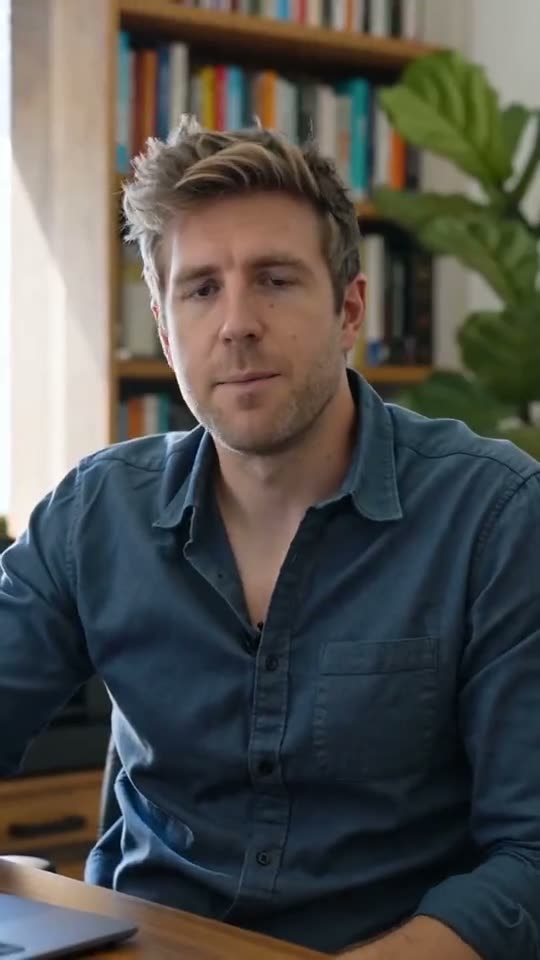
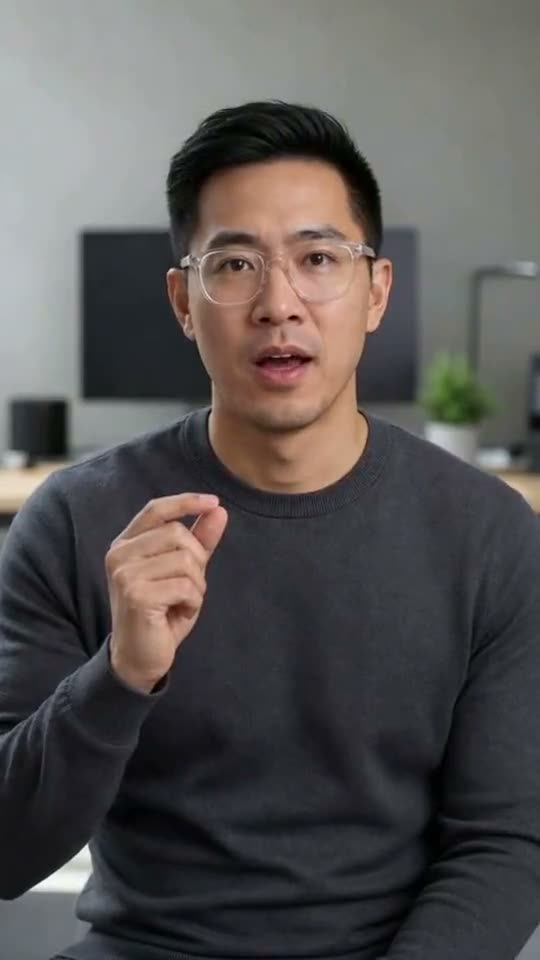
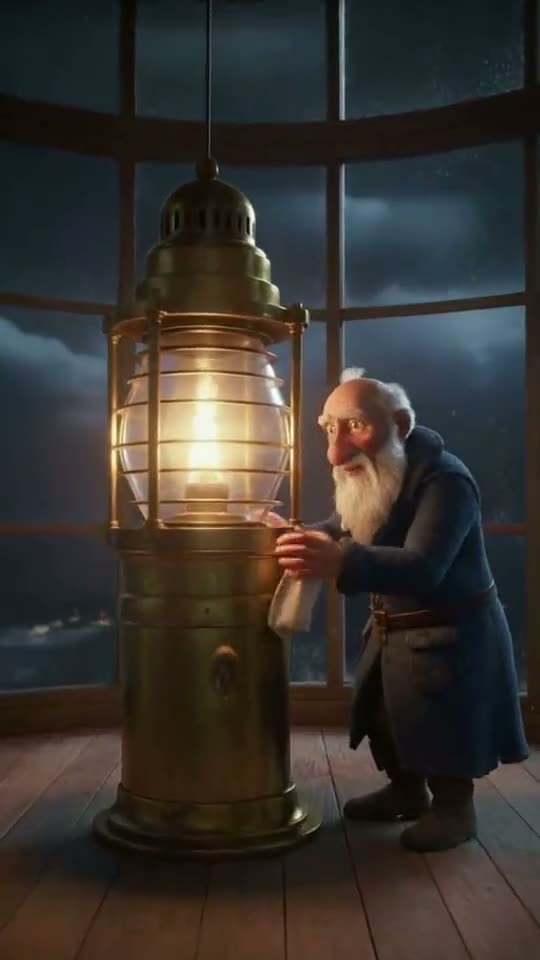
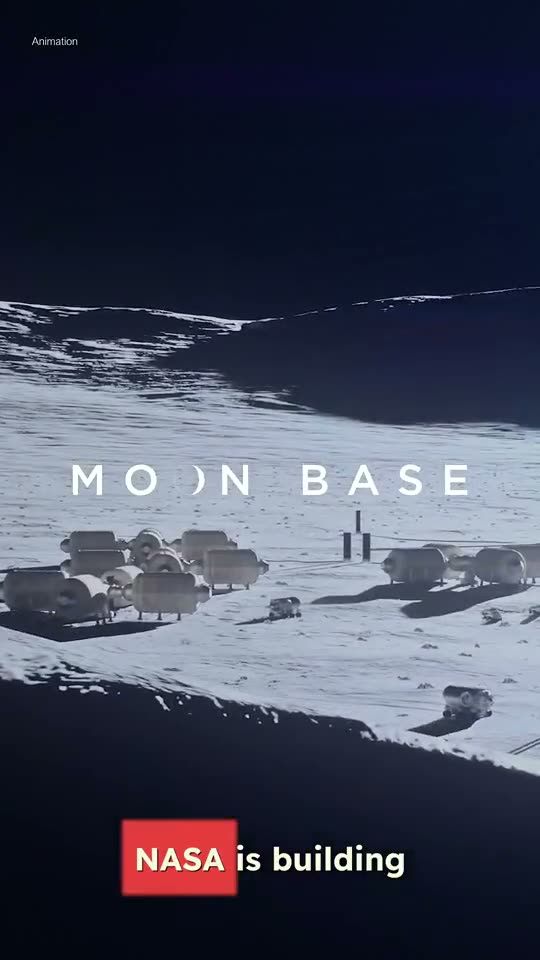
Real renders from Superkool. Tap one to hear it.
- Creator update
- Course intro
- Lesson opener
- Product announcement
A presenter that never needs a retake.
Faceless channels, course intros, announcements and team updates, delivered by a face on camera.
Word for word
The presenter speaks your script exactly as written. Nothing is rewritten or summarised.
Your own face
Upload a photo (JPEG, PNG or WebP) and present as yourself, or pick a ready-made presenter.
Voice and accent
With the Lip Sync model you choose the voice and the spoken accent, or let it detect the accent from your script.
Quality or speed
Lip Sync or a native video model. Pick the one that fits the job and your timeline.
Captions included
Every video comes back with the voiceover and captions already timed to the presenter.
Every format
Render in 9:16 for Reels, TikTok and Shorts, 16:9 for YouTube, or 1:1 for feeds.
Questions, answered.
Still have a question? Contact us or email support@superkool.io.
Do I need to film anything?
No. Pick a presenter, paste your script and choose a length. The avatar reads it to camera, lip-synced, with voiceover and captions. No camera, no studio, no retakes.
Can the avatar be me?
Yes. Upload a photo of yourself (JPEG, PNG or WebP) as a custom avatar and it sits in your gallery next to the ready-made presenters.
How long can a video be?
From 5 to 30 seconds, in 5-second steps. Presenters speak about 13 characters a second, so 15 seconds is roughly 195 characters and 30 seconds roughly 390.
How long does it take?
Usually 5 to 10 minutes, depending on the length of the video.
Is Talking Avatar in every plan?
Yes. Every plan includes all 14 Superkool tools. You download the finished video and post it wherever you like.


Your presenter is ready when you are.
Paste a script, pick a face, get a finished video back.
Every tool in every plan · Cancel anytime