
Your PDF, now a video.
Upload a document. Get the story. Drop in a report, a lesson or a deck and get a narrated, illustrated video of what matters.
Drop your PDF hereReport, lesson, paper or deck · up to 10 pages, 20 MBUpload PDFIncluded in every plan
How it works
Pages in. A story out.
- 01
Drop in your PDF
A report, paper, lesson, guide or deck, up to 10 pages. We read it the moment you pick it, so a scan or a locked file is flagged before you generate anything.
- 02
Choose how it looks
Set the length from 15 seconds to 2 minutes, pick AI images in a style, stock footage or your own media, then a voice and a language.
- 03
Get the finished video
Superkool picks the document’s most important points and hands back a narrated video with script, visuals, voiceover and captions.
Made with PDF to Video
One document. Every scene drawn.
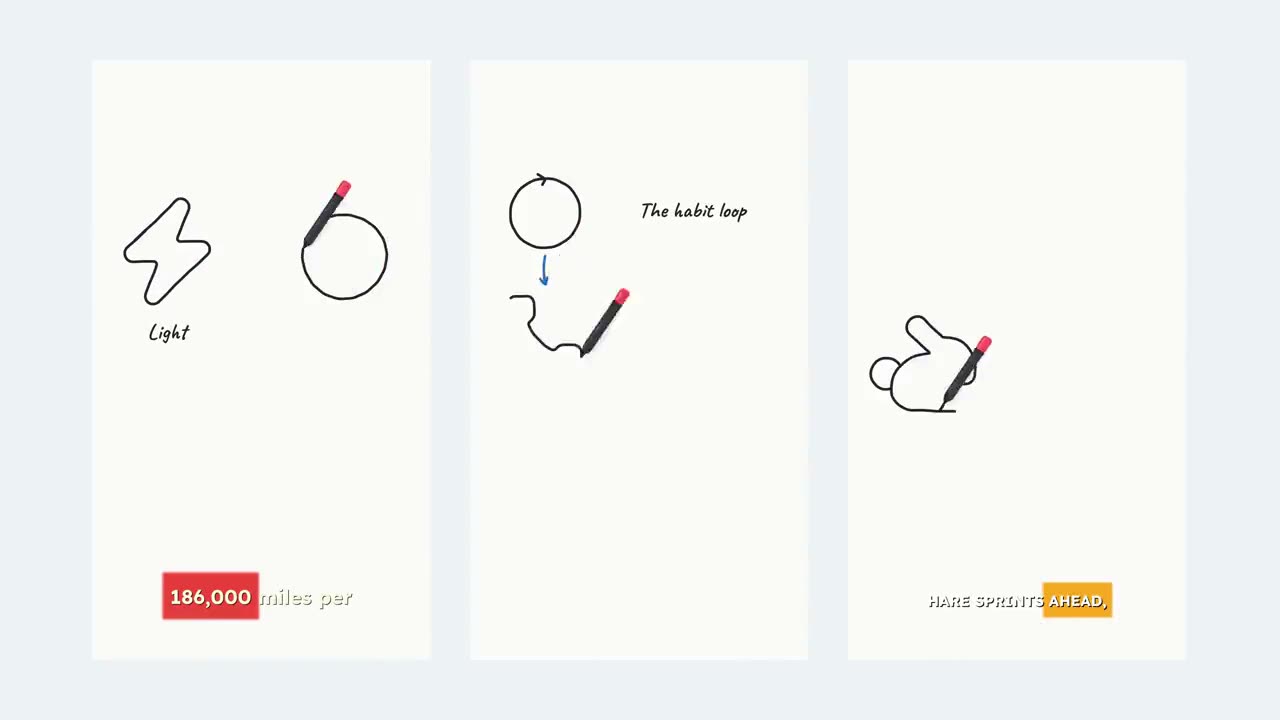
“Secrets of the Great Pyramid” is a real PDF to Video render: the document’s key facts as a narrated script, each one illustrated, with word-by-word captions.
- Scene 1
- Scene 2
- Scene 3
Why it works
Faithful to the page. Built for the feed.
Only what the PDF says
The script is built from your document’s own points. Nothing invented, nothing pulled in from elsewhere.
Key points, not every line
It reads the whole file and keeps what matters. Pick a longer video for a denser document and more points make the cut.
Six image styles
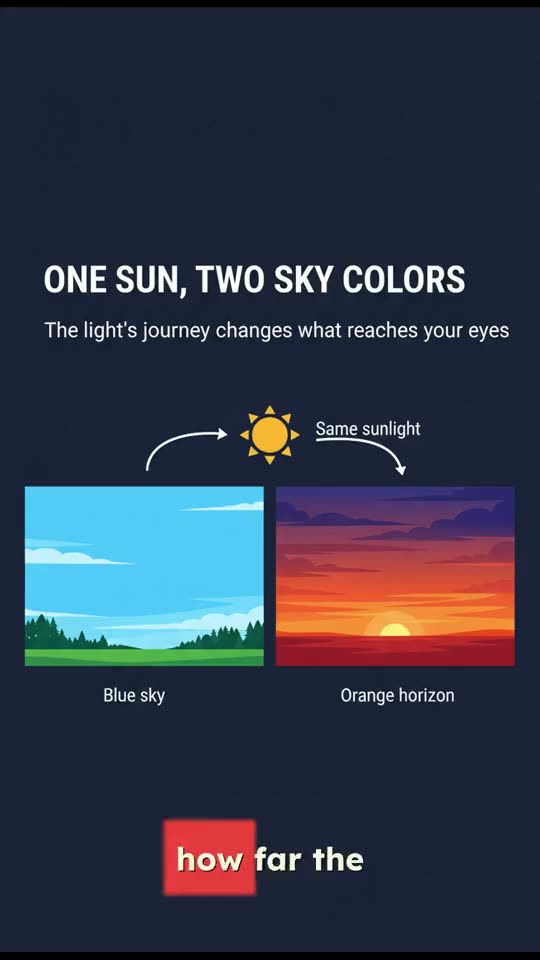
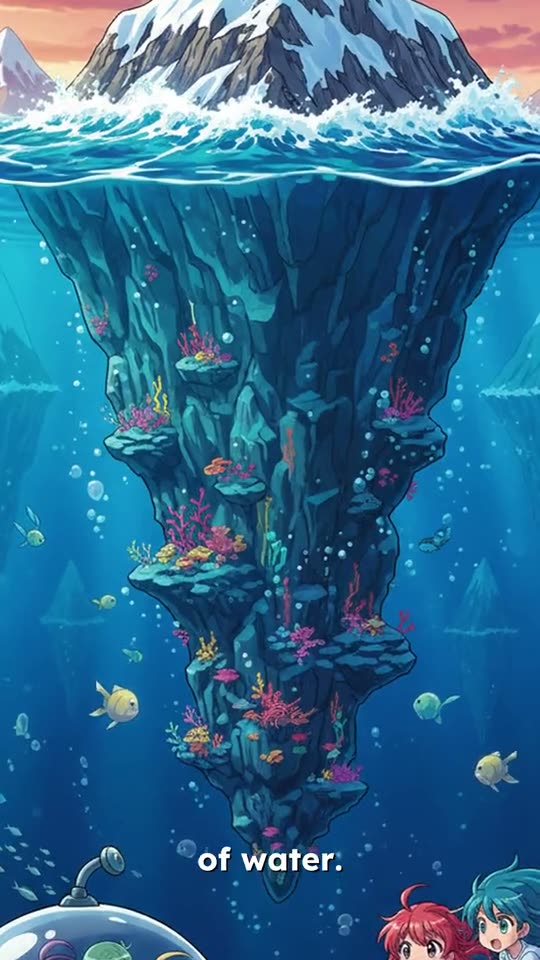
Default, Pixar, Anime, Ghibli, Sketch or Infographic. Infographic suits reports and data-heavy pages.
Narrated in three languages
Voiceover and captions in English, Spanish or Portuguese, timed word by word to the voice.
Every format
Vertical 9:16 for Shorts, Reels and TikTok, 16:9 for YouTube and slides, 1:1 for the feed.
Checked before you spend
Scans, password-protected files and PDFs over 10 pages or 20 MB are turned away up front, with a plain reason why.
Works best with
- Reports, papers, study notes, guides and chapters, up to 10 pages
- PDFs exported from Word, Google Docs or a website, so the text is selectable
- A longer duration for denser documents: more time, more key points
Won’t work yet
- Scanned pages or photos of pages: there is no text layer to read
- Password-protected PDFs: remove the password first
- Whole books: split them and upload the chapter you want
Questions, answered.
Still have a question? Contact us or email support@superkool.io.
What kind of PDF works best?
A text-based PDF of up to 10 pages and 20 MB, like a report, paper, lesson or guide exported from Word, Google Docs or a website. If you can select the text, we can read it.
Can I upload a scanned document?
Not yet. Scans and photos of pages have no text layer for us to read. If only a few pages are scanned, those pages are left out and we tell you which ones.
Will the video add facts that aren’t in my PDF?
No. Superkool picks the most important points from your document and narrates those, in the length you choose. Nothing is invented.
How long can the video be?
Anywhere from 15 seconds to 2 minutes. Longer videos cover more of the document’s key points.
Is PDF to Video in every plan?
Yes. All 14 Superkool tools are included in every plan.

Your next video is already written.
It’s sitting in a PDF. Upload it and hear the story.
Every tool in every plan · Cancel anytime