
Articleto video
Turn any post or article into video. Paste a link and Superkool reads the page, writes a script from its facts, and voices, visualises and captions it.
This video was made fromWhat is bioluminescence?oceanexplorer.noaa.gov “The Ocean’s Living Lights” · 55sIncluded in every plan
How it works
From link to share-ready in three steps
- 01
Paste a link
Drop in the URL of a blog post, news story, guide or newsletter issue. Pick a length, a voice and a look.
- 02
We read the page
Superkool pulls the title and body and leaves out menus, ads, cookie banners and comments. Then it finds the key points.
- 03
Get a finished short
A script built hook, then key points, then call to action, voiced and matched with visuals and word-by-word captions.
Page in, post out
Your writing, re-made for the feed
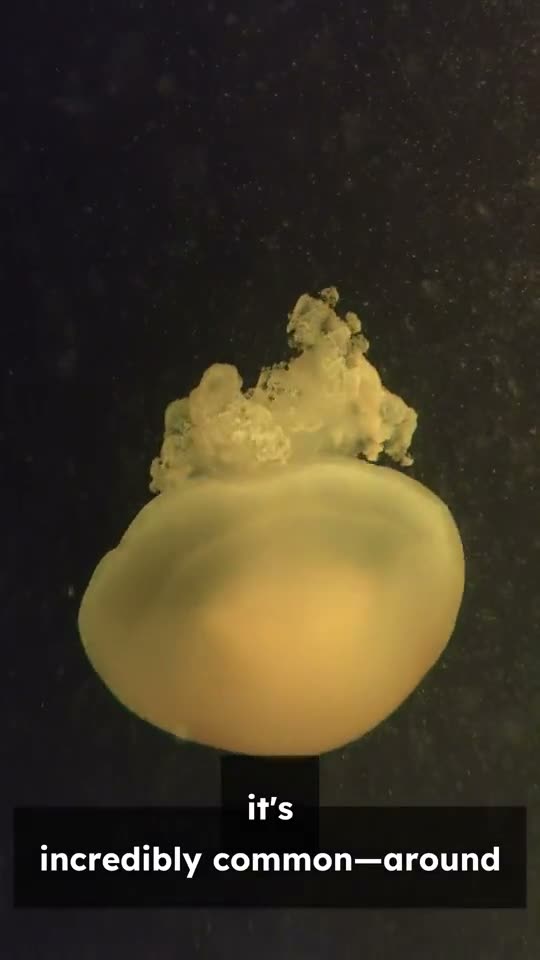
You already did the hard part when you wrote it. Superkool turns the post into a short people will actually watch, with the article’s own facts in the voiceover. The highlights show lines this video took straight from the page. Tap the phone for sound.
- Script written from the article
- Voiceover, visuals and captions
- One link, vertical and wide versions
What is bioluminescence?
Bioluminescence is very common in the ocean, where 80 percent of the animals that live between 200 and 1,000 meters depth are bioluminescent.
Different species use different chemicals, suggesting the ability to make light may have evolved independently many times.
Bioluminescence is a subject with many more questions than answers.
What you get
Everything a good recap needs
Sticks to the source
The script uses only facts from the article text. Nothing invented, nothing pulled from elsewhere.
Built to hold attention
Every video opens on a hook, moves through the article’s key points, and lands a call to action in the last scene.
Your length
From a 15-second teaser to a two-minute recap. Longer videos cover more of the article.
A voice that fits
Pick a narrator for the voiceover, in English, Spanish or Portuguese.
Visuals your way
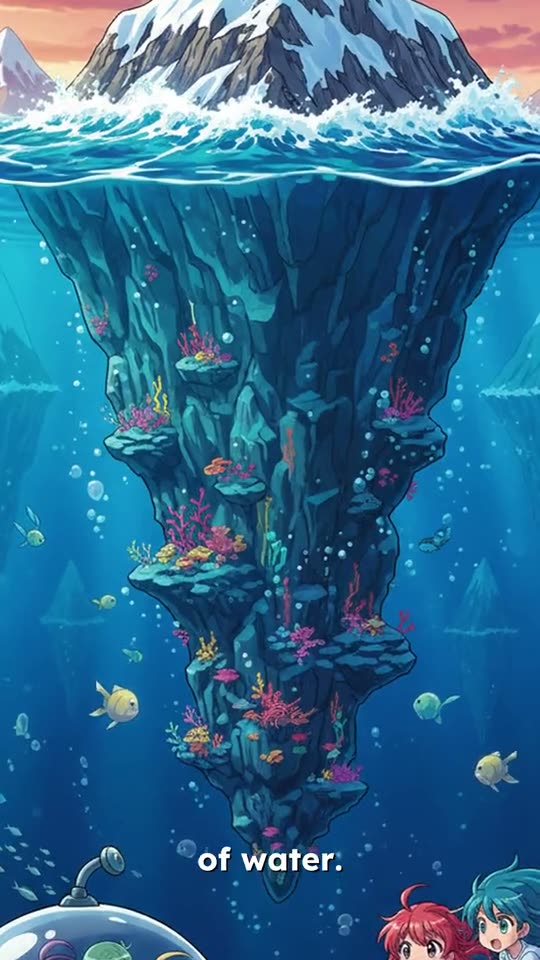
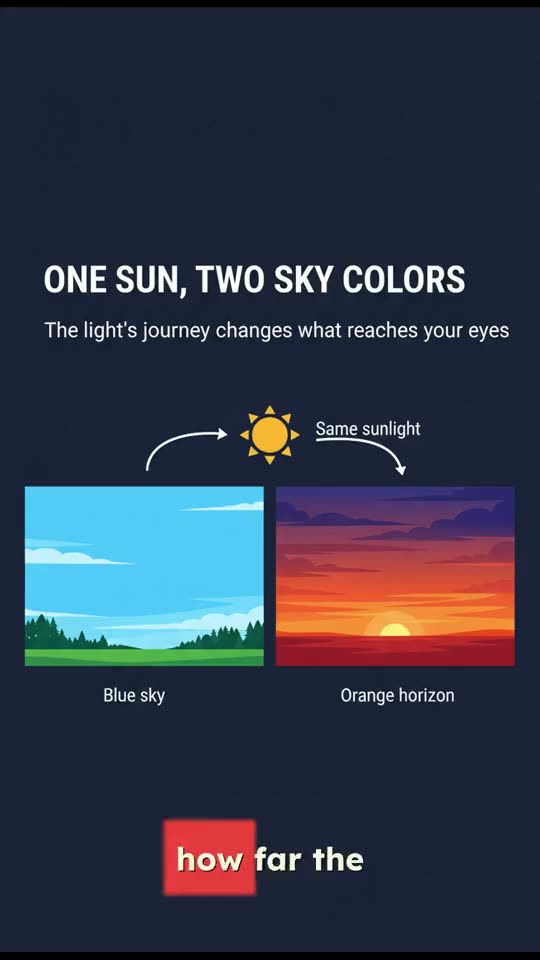
Stock footage, your own media, or AI images in Default, Pixar, Anime, Ghibli, Sketch or Infographic style.
Captions, word by word
Captions are timed to every spoken word, and they come with the video.
Which links work best
The AI pulls the key points from the page, so pages with plenty of text give the best results.
- Works great
- Content-rich URLs with real substance
- Pages with clear headings and sections
- Blog posts, news articles and how-to guides
- Skip these
- Paywalled or login-required pages
- Pages that are mostly images, little text
- Very short content, under about 100 words
Questions, answered.
Still have a question? Contact us or email support@superkool.io.
What kinds of links work best?
Public pages with plenty of text: blog posts, news articles, how-to guides and newsletter issues. Clear headings and sections help the AI find the key points.
Will the video say things the article doesn’t?
No. Superkool writes the script from the text on the page and is told to use only facts that appear there. Menus, ads and comments are left out before it starts.
Can I use a paywalled or members-only article?
Not by link. Superkool can only read what a logged-out visitor sees, so paywalled and login-required pages won’t work. If it’s your own writing, paste it into Script to Video instead.
How long will my video be?
You choose, from 15 seconds up to 2 minutes. Shorter works as a teaser for the article; longer covers more of its points.
Which formats and languages can I make?
Vertical 9:16, landscape 16:9 or square 1:1, narrated in English, Spanish or Portuguese. Article to Video is included in every plan.



Your next post is already written.
Paste the link. Superkool makes the video.
Every tool in every plan · Cancel anytime