
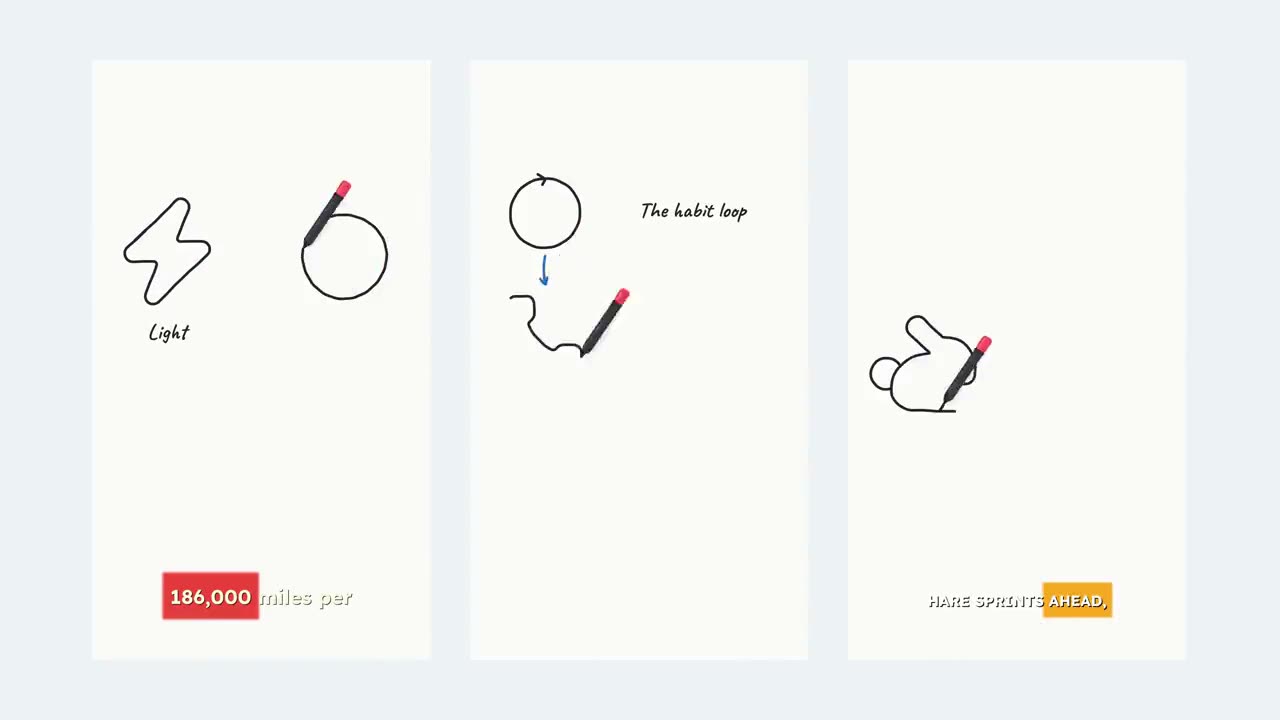
Prompt to video
Any idea in. Finished video out. Describe it once and get the script, visuals, voiceover and captions back as one video.
- Script
- Visuals
- Voiceover
- Captions
How it works
Three steps from thought to video.
- 01
Describe the idea
Write it like a mini creative brief: the scene, the mood, who it’s for and where it’s going. One line works. More detail works better.
- 02
Pick the look
Choose AI images in a style, stock footage, or your own media. Set the format, the length from 15 seconds to 2 minutes, and a voice.
- 03
Get the finished video
Superkool writes the script, builds every scene, records the voiceover and times the captions. Then tweak any scene and export.
Made with Prompt to Video
One prompt. Every layer.
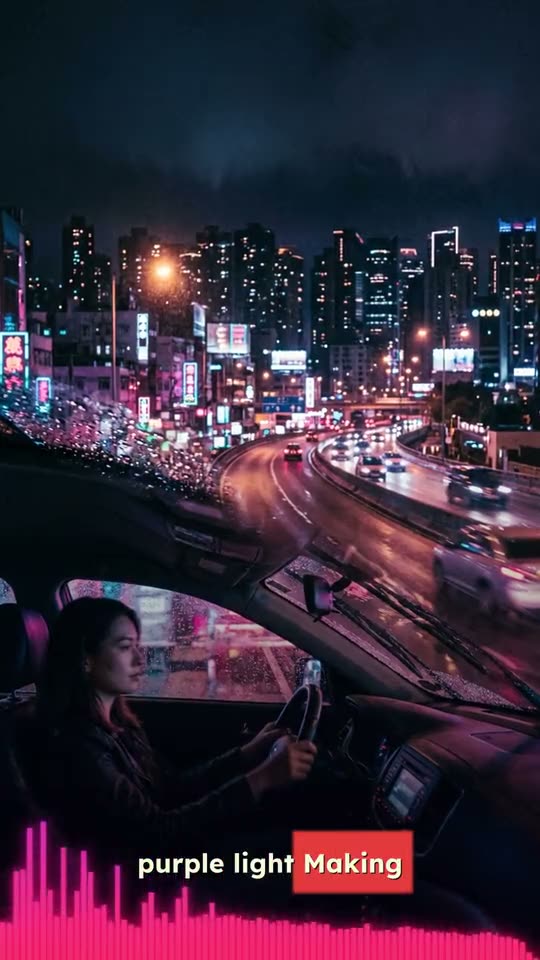
Standing on every planet, in about 30 seconds
- ScriptHook, scenes, payoff
- VisualsOne image or clip per scene
- VoiceoverNarrated end to end
- CaptionsWord-timed, styled
What’s inside
A whole production team, in one box.
The script is written for you
Your prompt becomes a scene-by-scene script with a hook up front. No blank page, no copywriter.
Six image styles
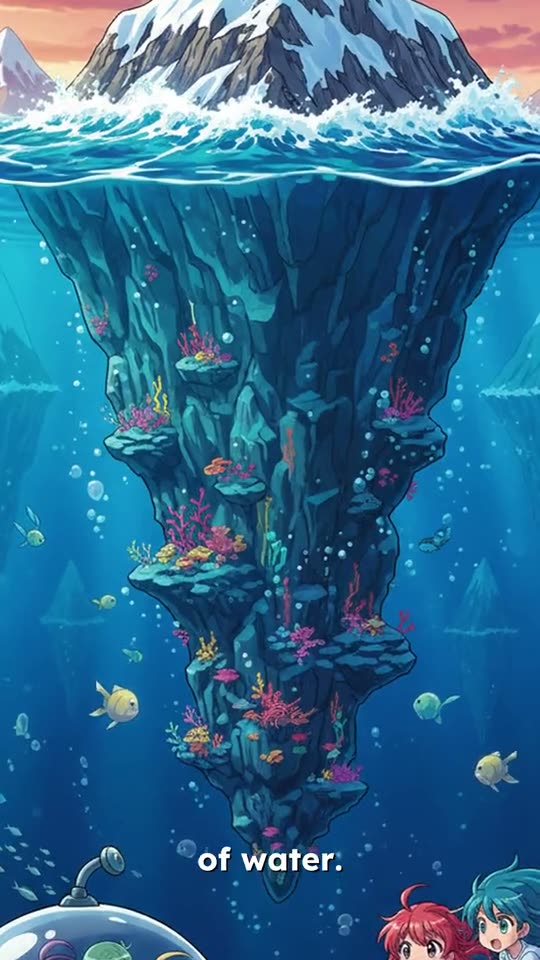
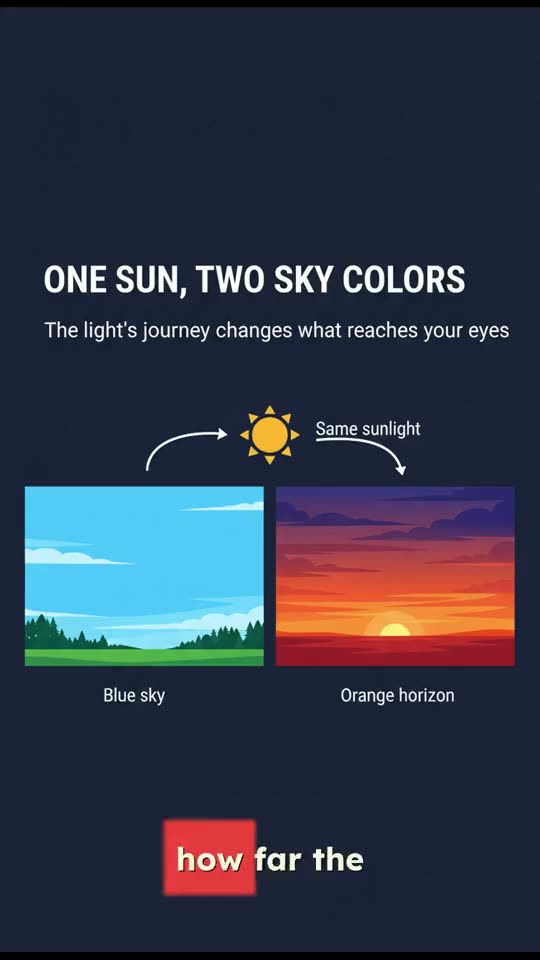
Default, Pixar, Anime, Ghibli, Sketch or Infographic. Or skip AI images and use stock footage or your own media.
- Default
- Pixar
- Anime
- Ghibli
- Sketch
- Infographic
A voice that fits
Pick a narrator and the whole video is voiced in one consistent read. No mic, no booth, no retakes.
Captions that land on the word
Word-timed captions in presets like Basic, Opacity, Wrap and Pill. Restyle them later without regenerating.
Every format
Portrait 9:16 for TikTok, Reels and Shorts, landscape 16:9 for YouTube, square 1:1 for feeds.
English, Spanish, Portuguese
Make the same idea in three languages, script, voice and captions included.
Edit scene by scene
Don’t love one shot? Regenerate that scene’s image or replace it with your own, and leave the rest alone.
15 seconds to 2 minutes
Snackable shorts or a fuller story. Set the length and the pacing follows.
Write a prompt that works
Think of your prompt as a mini creative brief. The more of your vision you put in, the better the video that comes out.
- Be specific about the scene, mood and characters
- Name the audience and platform (TikTok, Reels)
- Give it a clear call-to-action
- Describe how scenes should flow
- Vague one-liners like “make a cool video”
- Long prompts that contradict themselves
- Leaving out the tone or mood
- Forgetting the length or pacing
Questions, answered.
Still have a question? Contact us or email support@superkool.io.
What do I get back from one prompt?
A complete video: a written script, a visual for every scene, a voiceover and word-timed captions, in the format and length you chose. You can open it in the editor to change any scene before you export.
What should I write in the prompt?
Treat it like a short creative brief. Say what happens, the mood, who it’s for and where it will be posted, and ask for a call-to-action if you want one. Vague one-liners give vague videos.
Can I choose how it looks?
Yes. Pick AI images in one of six styles (Default, Pixar, Anime, Ghibli, Sketch, Infographic), stock footage, or your own uploads. Choose 9:16, 16:9 or 1:1.
Which languages can it make videos in?
English, Spanish and Portuguese.
Is Prompt to Video included in my plan?
Yes. All 14 Superkool tools are included in every plan.

Your next video is one prompt away.
Script, visuals, voice and captions, from one line.
Every tool in every plan · Cancel anytime