Follows whoever is talking
It tells the voices apart and keeps the frame on the person speaking, switching when they hand over. No keyframes, no manual crop.
Create
Faces & ads
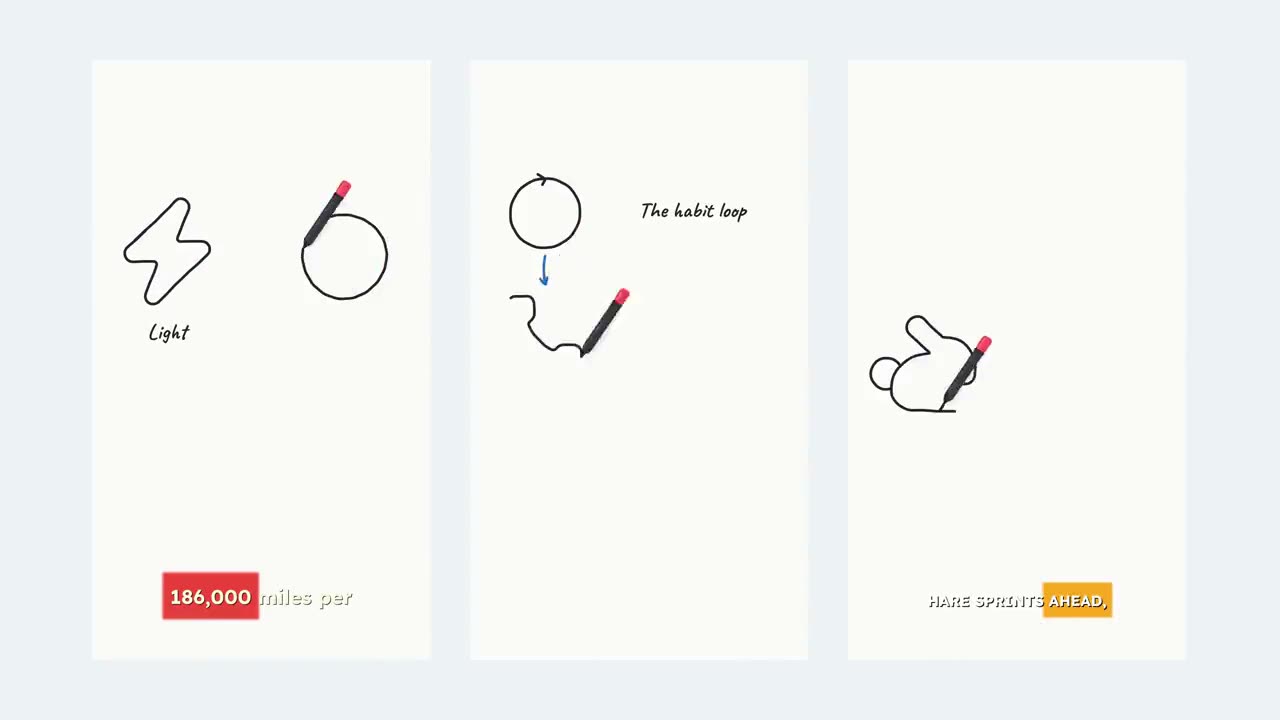 NewSketch StoryYour idea, drawn on a whiteboard as it’s told.See all 14 tools
Tools
Long videos into vertical clips that follow the speaker.
Drop in a podcast, a panel, an interview or a livestream. It finds the moments worth sharing, reframes them to 9:16 around whoever is talking, and captions every clip.
Loved by 10,000+ creators
No timeline scrubbing, no manual cropping. Three steps, and the clips land in your projects.
A podcast, interview, panel or talk. Watch, Shorts and finished live links all work, up to 3 hours long. Pick how many clips (1 to 3) and a caption style.
The whole video is transcribed, then the moments most likely to stop a scroll are picked out. Each one gets a 0–100 score and a sentence on why it works.
It tells the voices apart, follows whoever is talking, and cuts each moment to a 9:16 clip of 20–60 seconds with word-timed captions.
What you see while it works
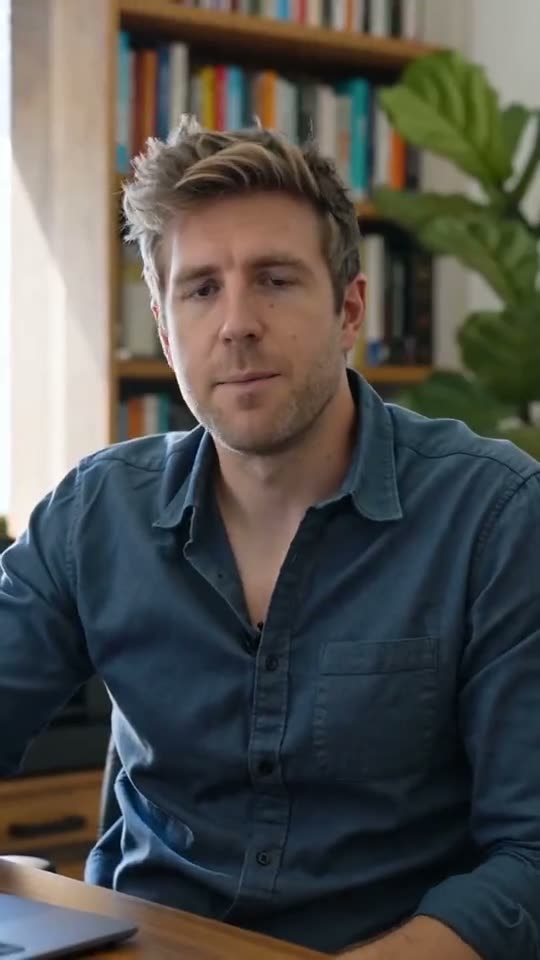
A real two-person interview, shot wide. The 9:16 frame holds on whoever is speaking and moves when the conversation does.
SourceOn-stage interview · 2 speakers1:04:12
Everything AI Clipper does is aimed at one job: turning long conversations into short clips people finish watching.
It tells the voices apart and keeps the frame on the person speaking, switching when they hand over. No keyframes, no manual crop.
Every clip comes with a 0–100 score and one sentence on why the moment works. Clip 1 is always the strongest.
Word-timed captions from the clip’s own audio, placed top, middle or bottom.
The clips arrive as their own projects. Open one in the editor, restyle it and export it again whenever you like.
Sources up to 3 hours. Clips of 20 to 60 seconds, cut to 9:16 for TikTok, Reels and Shorts.
Still have a question? Contact us or email support@superkool.io.
Any public YouTube video where people talk: podcasts, interviews, panels, talks and finished livestreams, up to 3 hours long. Paste a watch, youtu.be, Shorts or live link.
You ask for 1 to 3 clips per video. Each is a 9:16 clip of 20 to 60 seconds; the video sets the length. If a video has fewer strong moments, you get fewer clips rather than weak ones.
Yes. Every clip becomes its own project. Open it in the editor, switch between the five caption styles (Basic, Opacity, Wrap 1, Wrap 2 and Pill), move them to the top, middle or bottom, and export again.
No. You download the finished clips and post them wherever you like: TikTok, Reels, Shorts or anywhere else.
Yes. All 14 Superkool tools are included in every plan.
Paste a link. Get vertical, captioned clips that follow the speaker.
Every tool in every plan · Cancel anytime