
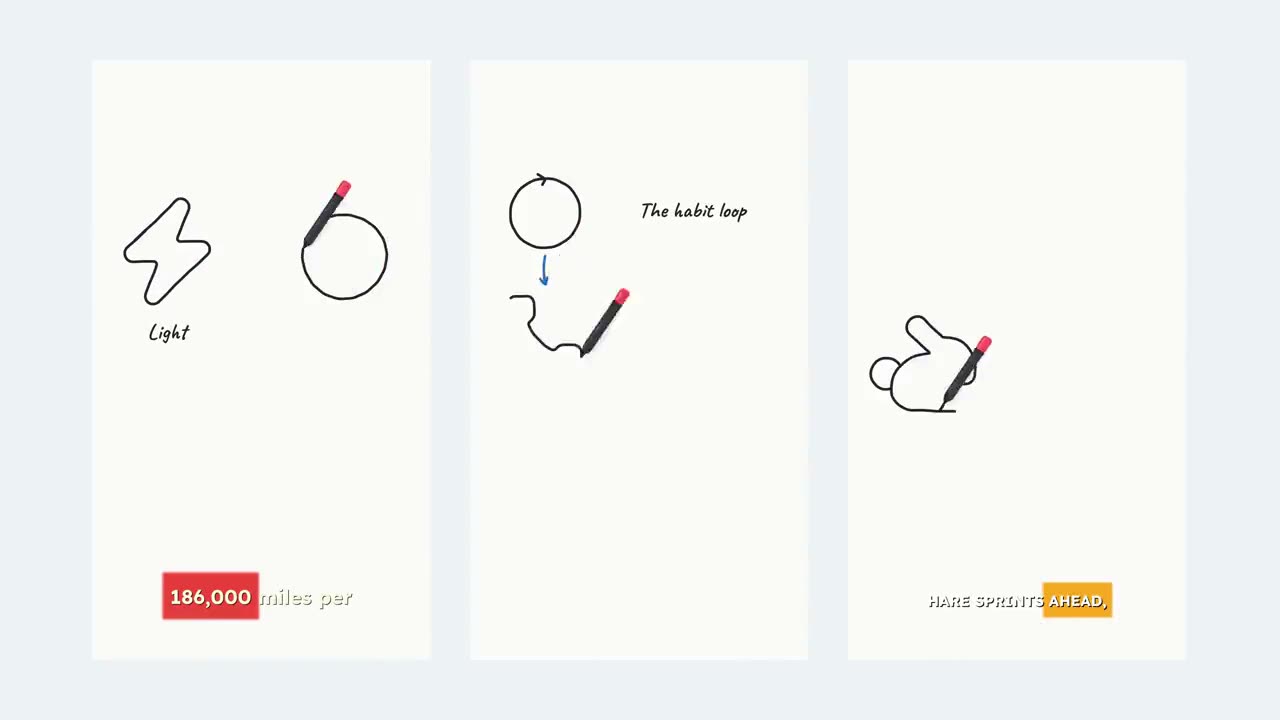
Educational Video
Explainers and tutorials in minutes. Give it a topic and Superkool writes the lesson, draws it as infographics, narrates it and captions every word.
Infographic visualsEnglish, Spanish, Portuguese
How it works
From one topic to a finished lesson.
- 1
Give it one topic
A short title like “How photosynthesis works”, or two or three sentences in your own words, up to 2,000 characters. Mention the inputs, the process and the takeaway.
- 2
Superkool writes the lesson
Your topic is expanded into a teaching script: what it is, how it works and why it matters, in an order that builds.
- 3
Get a finished explainer
Diagram-style infographic visuals, an AI voiceover and word-by-word captions are built around the script. Ready to post.
Topic Why is the sky blue, but sunsets orange?
Made with SuperkoolExample
“Why the Sky Is Blue”
One line in, a narrated explainer out. Here is what Superkool built from it, with nothing else typed.
- Script Expanded from one line into a step-by-step explanation.
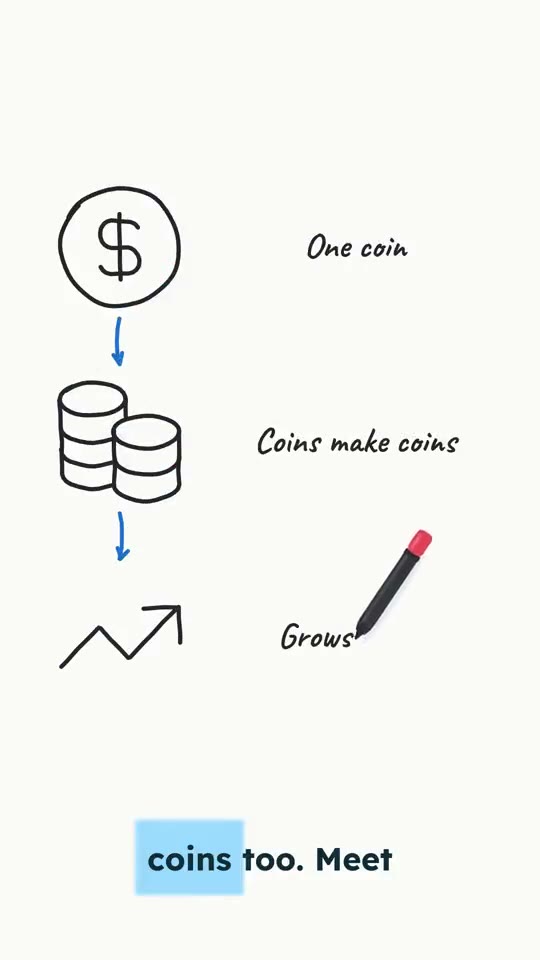
- Visuals Infographic style: labelled diagrams and side-by-side comparisons.
- Voiceover An AI voice narrates every scene. Tap the phone to hear it.
- Captions Word-by-word, timed to the voice.
What you get
A production team, built in.
A topic becomes a lesson
You bring the subject. Superkool writes the teaching script: what it is, how it works, why it matters.
Diagram-style visuals
Every lesson is drawn in the Infographic style: labelled diagrams, arrows and side-by-side comparisons, picked for you so it always reads like a lesson.
Clear narration
An AI voice narrates every scene. No mic, no recording, no retakes.
Captions on every word
Animated captions timed to the voice, so the lesson lands even with the sound off.
Teach in three languages
Generate the same lesson in English, Spanish or Portuguese.
A title or a paragraph
Type a short title, or paste two or three sentences in your own words when you want a specific angle.
Prompt tips
Short in, clear out.
Works best
- Pick one focused topic (“How photosynthesis works”)
- Or paste a short paragraph in your own words
- Mention the key inputs, process and takeaway
Avoid
- Topics so broad they cover entire textbooks
- Single-word topics with no angle (“biology”)
- Pasting whole articles: use Article to Video for that
Educational Video questions.
Still have a question? Contact us or email support@superkool.io.
What should I type in?
One focused topic or a two to three sentence paragraph works best. Educational mode expands it into a teaching script, so you do not need to write the lesson yourself.
Can I paste my own lesson notes?
Short notes, yes. For a whole article use Article to Video, and for a document use PDF to Video, which reads the file and narrates its key points.
What do the visuals look like?
Diagram-style infographics: labelled drawings, arrows and comparisons, like the example on this page. The look is set for you, so every lesson reads clearly.
How long can my topic be?
Between 10 and 2,000 characters. A short title or two to three sentences works best; for a whole article use Article to Video.
Which languages are supported?
English, Spanish and Portuguese.
Is Educational Video included in my plan?
Yes. All 14 Superkool tools are in every plan, including this one.





Teach it in a minute. Start now.
Your next explainer is one topic away.
Every tool in every plan · Cancel anytime