
Superkool tool
Add Captions
Word-perfect captions on any clip.
Upload a video you already have. Superkool transcribes its speech and adds animated, word-by-word captions in the style you pick.
Drop your video hereMP4, MOV, WebM, M4V or MKV · up to 50 MBUpload videoIn every plan
Three steps to captioned.
You bring the video. Superkool listens to it and does the timing.
- 01
Upload your video
Any clip where someone is talking. MP4, MOV, WebM, M4V or MKV, up to 50 MB.
- 02
Pick the look
Choose one of five caption styles, place them top, middle or bottom, and keep the spoken language or translate.
- 03
Get it back captioned
Superkool transcribes the speech in your video and times every caption to the word. Export burns them in.
Try the looks.
The same five styles, three positions and caption languages you get in the app. Tap around.
Style
Position
Caption language
Captions match the language spoken in your video.
Burned in. Built to be read.
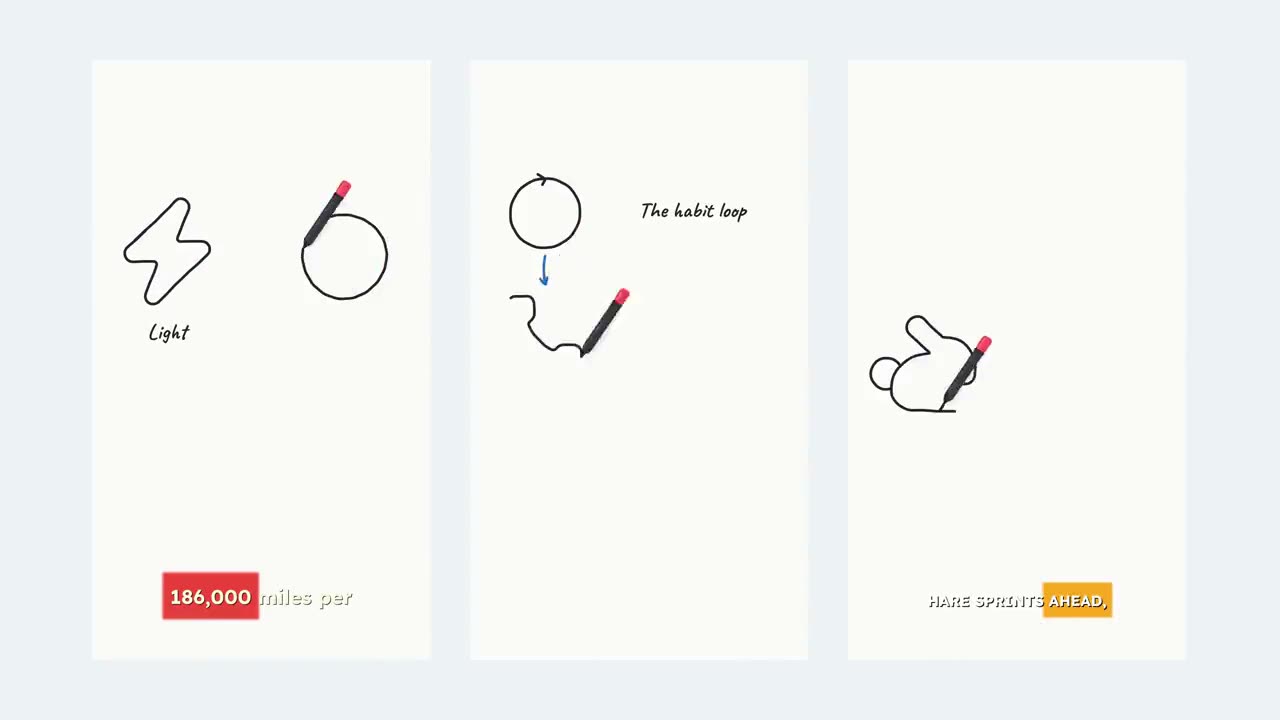
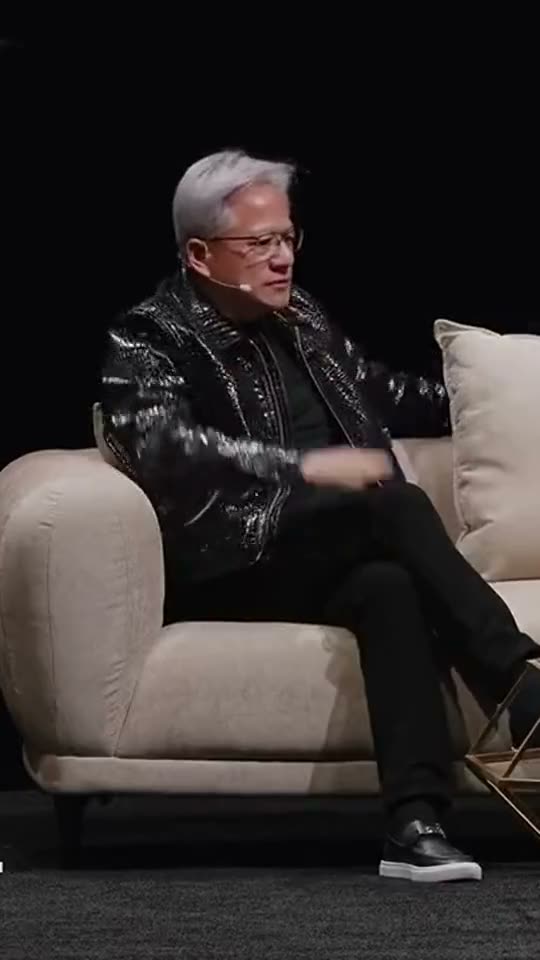
Real exports with Wrap 1 captions, and a creator clip with Pill. Every word gets its moment on screen.
NASA Moon Base UpdateWrap 1, bottom
Creator setup talkPill, middle
Inside the labWrap 1, bottom
Everything the captions need.
From your own audio
No script to paste. Captions come from the speech already in your video.
Timed to every word
Each word lands as it is said, so the captions read the way you talk.
Five caption styles
Basic, Opacity, Wrap 1, Wrap 2 and Pill. Pill shows three capitalised words at a time.
Translate the captions
French, German, Italian, Spanish, Portuguese (Brazil or Portugal), Dutch or Polish. Your voice stays as recorded.
Your frame, untouched
Vertical, square or wide: the video keeps the shape and length you uploaded.
Restyle and re-export
Changed your mind? Swap the style in the editor and export again. The source stays put.
Questions, answered.
Still have a question? Contact us or email support@superkool.io.
What kind of video works best?
A video where someone is actually talking, with clear speech and little background noise. Music-only or silent clips have nothing to caption, and several people talking over each other transcribes less cleanly.
Which files and sizes can I upload?
MP4, MOV, WebM, M4V and MKV, up to 50 MB. Exported Shorts, Reels and TikToks fit comfortably; raw phone footage longer than about a minute may need compressing first.
Does translating change the voice?
No. Only the caption text is translated. The audio stays exactly as you recorded it. Leave the language on Original and the captions match what is spoken.
What if no speech is found?
A video with no sound is turned away before anything is generated. If a video has sound but no speech can be found in it, your credits are refunded.
Is Add Captions in my plan?
Yes. All 14 Superkool tools are included in every plan.





Give every word its moment.
Upload a clip, pick a style, and let Superkool do the timing.
Every tool in every plan · Cancel anytime